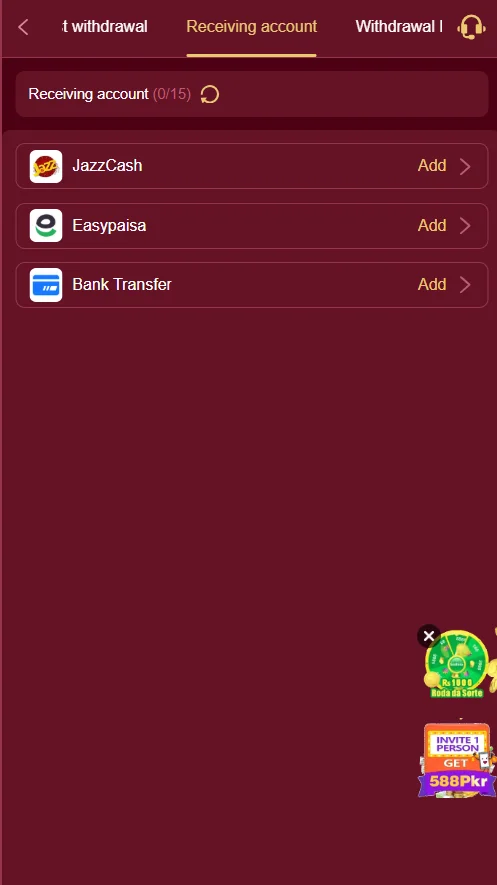
Withdraw your winnings from the G2222 game is a straightforward process. You first need to add a withdrawal method, like JazzCash or Easypaisa, to your account. After that, you can easily cash out your earnings whenever you want.
Step-by-Step Withdrawal Guide Access the Withdrawal Section Log in to your G2222 account. Go to your Wallet or Account section. Tap on the “Withdraw” button. Add Your Withdrawal Account You will see a screen titled “Receiving account”. You must add an account to receive your money. The options are: JazzCash Easypaisa Bank Transfer Tap “Add >” next to your preferred method (e.g., JazzCash). Enter Your Account Details A form will appear for you to enter your correct account details. For JazzCash/Easypaisa, you will need to enter your Registered Mobile Number. For Bank Transfer, enter your Bank Account Number and Title. Double-check all information and save it. Make Your First Withdrawal Once your account is saved, select it from the list. Enter the amount you wish to withdraw. Submit your request. Your money will be sent to your account after processing. Important: Always ensure your account details are correct to avoid any delays. The processing time can take from a few minutes to 24 hours.